I run ReleaseWave, a music site — new releases, artist profiles, news posts, playlists. For a while, adding any of that meant opening the admin CMS and filling out forms.
We have a Release model in our database that's linked to an Artist.
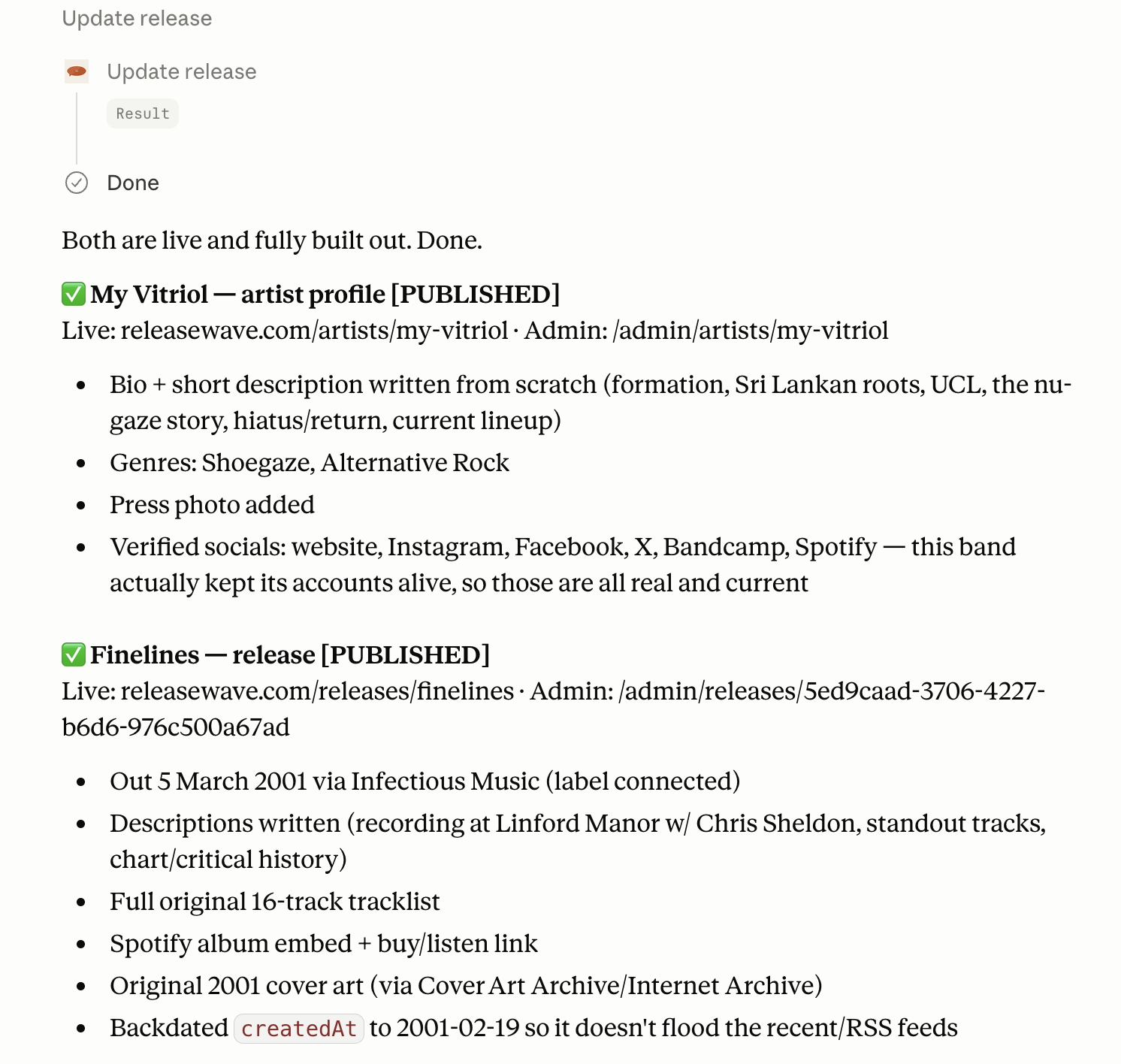
So I added an MCP server. Now an editor can open Claude and say "add a review for the new Turnstile album, link the artist, embed the Spotify single" and it happens — through the same rules and permissions as the admin UI. The satisfying part wasn't getting the AI to do this. It was my editor's literal leaps for joy when he realized he didn't have to spend hours digging up social media links and building profiles on our site.
Don't worry, we didn't use AI to generate any of the editorial content. Our site remains authentic, we just fill in the gaps that are boring and easily automatable.
Let's jump to some basics...
What an MCP server actually is here
MCP (Model Context Protocol) is the standard way to hand an AI assistant a set of tools it can call. Instead of the model guessing, it gets a set of tools — search_releases, create_post, set_release_relations — with typed inputs. It picks one, fills in the arguments, and my server runs it!
ReleaseWave's server lives at /api/mcp behind its own OAuth 2.1 login. An editor connects Claude once, signs in with their editor account, and after that Claude can act as that user. Roughly:
Claude / ChatGPT -> OAuth 2.1 (one-time sign-in) -> /api/mcp -> tRPC (same procedures as the admin UI) -> Save in DB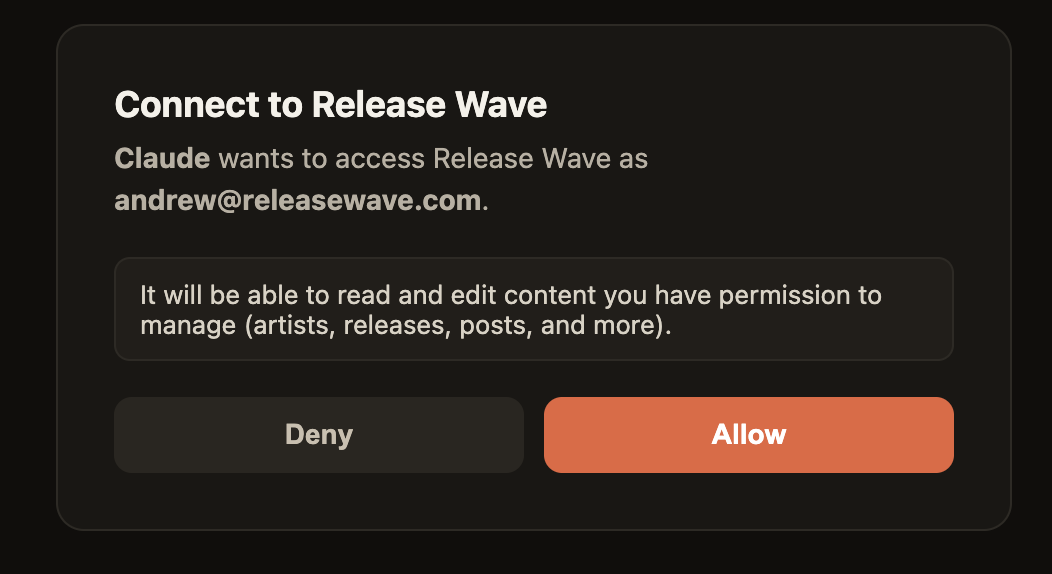
The code I didn't write
Here's the decision that made the whole thing cheap: every tool is a thin wrapper over the tRPC procedures the admin UI already calls. So, all I needed to do was hit that endpoint with the auth'ed users access token.
Writes ask before they change anything
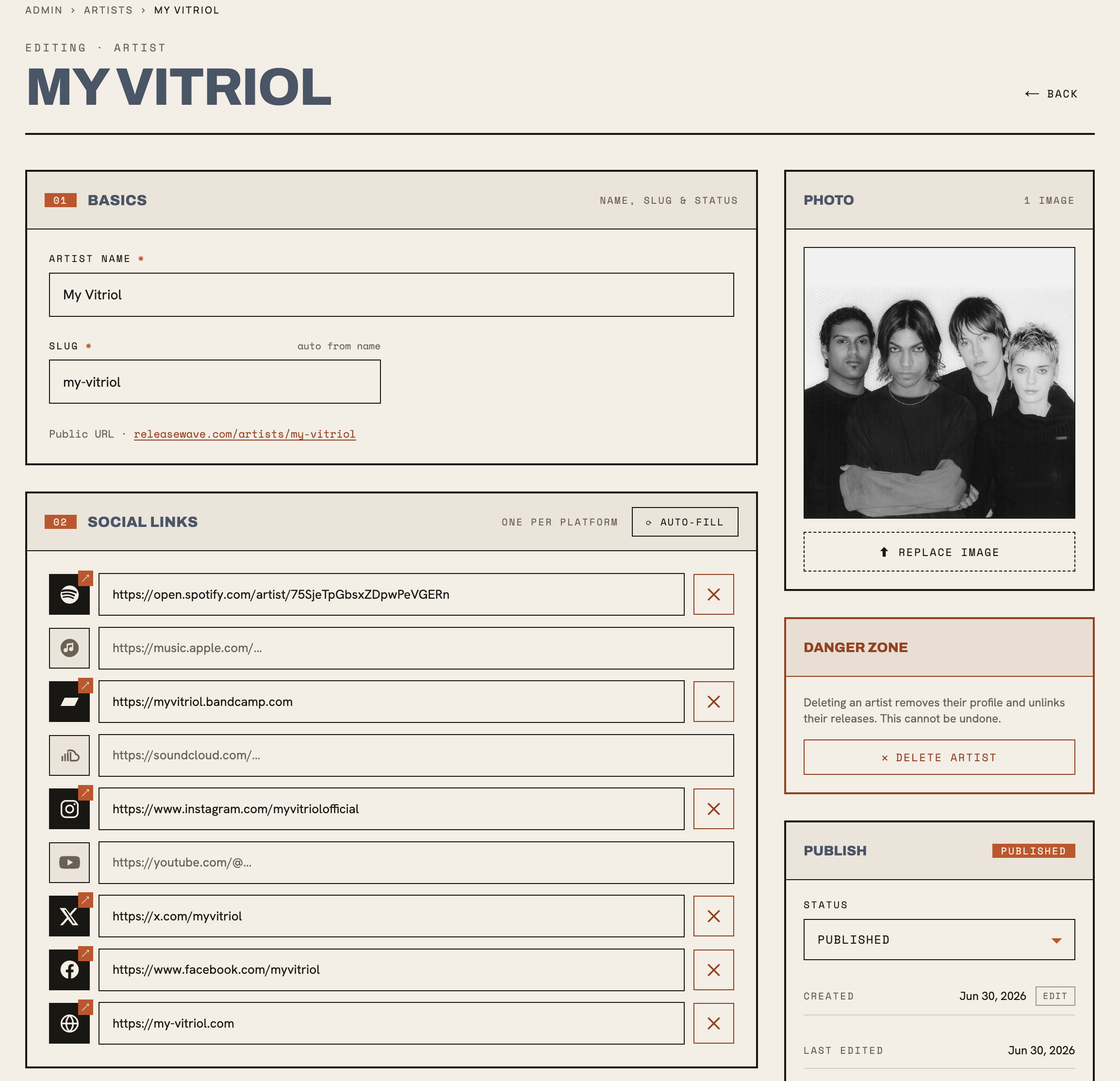
Letting an AI write to your production database is exactly as nerve-wracking as it sounds, so writes are two-step. The first call returns a preview — a diff of what would change. Nothing is saved. Only a second call with confirm: true actually mutates.
On top of that, every write tool is tagged destructiveHint: true, so the MCP client itself prompts for approval before each one. An editor sees "here's the post I'm about to create" and clicks yes. The model never silently commits.
Tools aren't enough — you need skills
Raw tools get you a capable-but-clueless intern. It knows it can create a post; it doesn't know that a single announcement links the release, embeds the track, and never reads like an ad. So the tools ship with skills — short workflow docs that teach the AI how we do each content type and in what voice. Same docs work in Claude and ChatGPT.
One rule I'll defend: the AI drafts, a human approves. Our press-outreach skill has Claude write the email in-chat, but the send tool only fires on text the operator has actually read and okayed. I don't want the model composing outreach and mailing it in one breath.
... User approves ... then ...
What it actually bought me
Editors do content work by chatting, no CMS tour required. I maintain one set of business logic, not two. And the safety — auth, ownership, preview-then-confirm — is inherited, not reinvented.
If you're thinking about adding an MCP server to something you already run, that's the part I'd steer you toward: don't build a parallel API for the AI. Wrap the one you've already got. The OAuth setup was the real work. The tools were almost free.
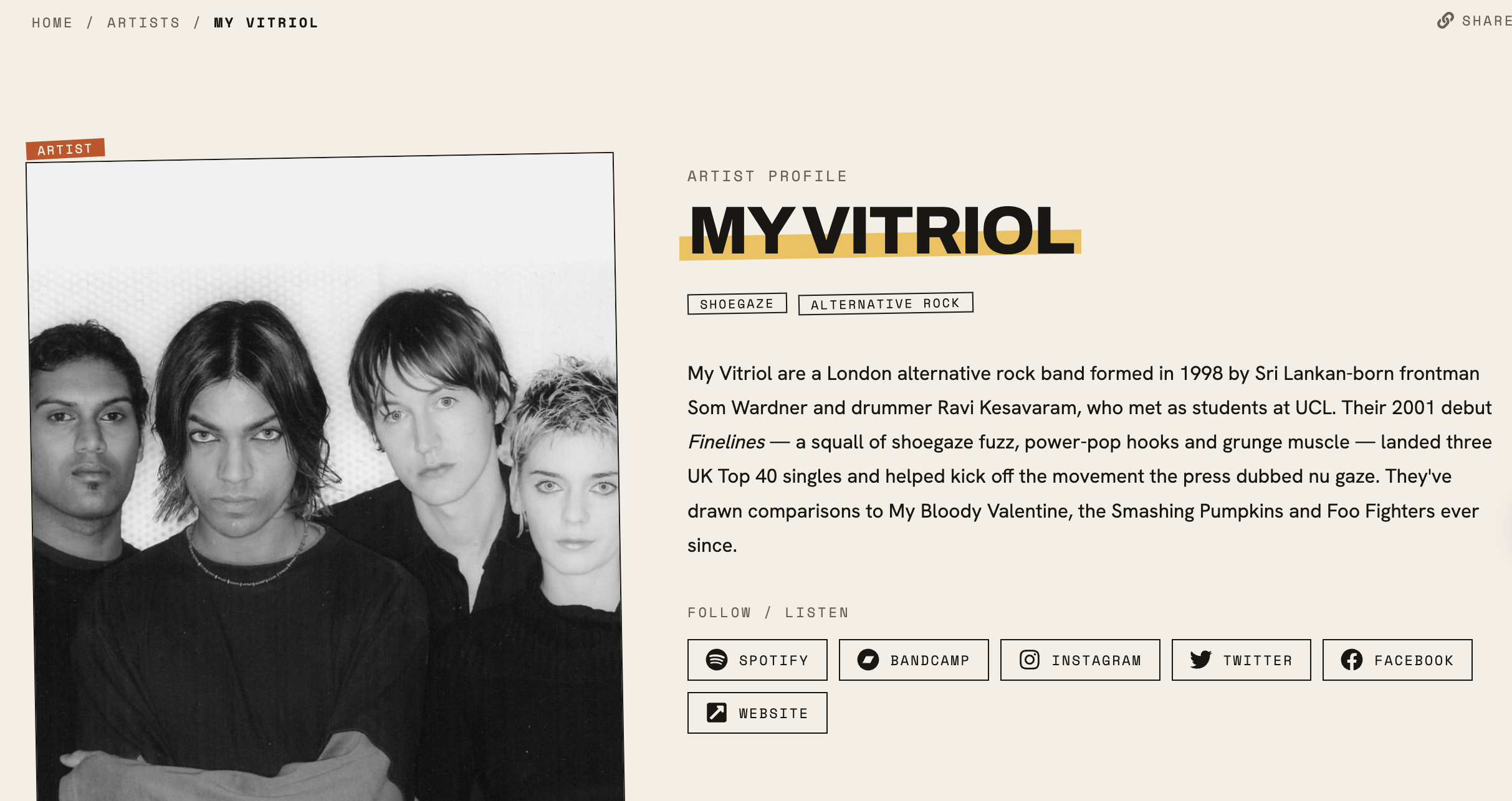
While you're at it, see the final post and check out this amazing band My Vitriol if you haven't already...