A friend is self-publishing a cookbook on Amazon KDP: twenty recipes, 50 pages, full color. I offered to help with the layout, mostly because I wanted an excuse to play with print design tools and see how far I could push them with Claude.
The layout lives in Affinity, which has no scripting API. I didn't want to place 50 pages by hand, and I didn't want Claude clicking through them either. So the book is built from code, and Affinity barely does anything.
The book is a build
Affinity can't be scripted, but it can open IDML, the zipped XML format InDesign uses to trade files with other apps. A Python script can write XML.
So Claude and I wrote a few scripts. One parses the recipes, exported from Notion, into structured data: ingredients, steps, tips, nutrition per serving. Another turns those into pages from a handful of templates, like a full-bleed photo spread or a photo band over the recipe, and puts all 50 in order. A third builds the full cover wrap, with the spine sized from the page count.
That's the part I like most. The data and the design are both code. When a serving size changes, or we swap a photo, I rebuild and every page updates. The scripts also check the work before anything opens: they flag recipes that won't fit their frame and linked photos that don't exist.
The one rule is that nothing gets edited by hand in Affinity, because the next rebuild wipes it.
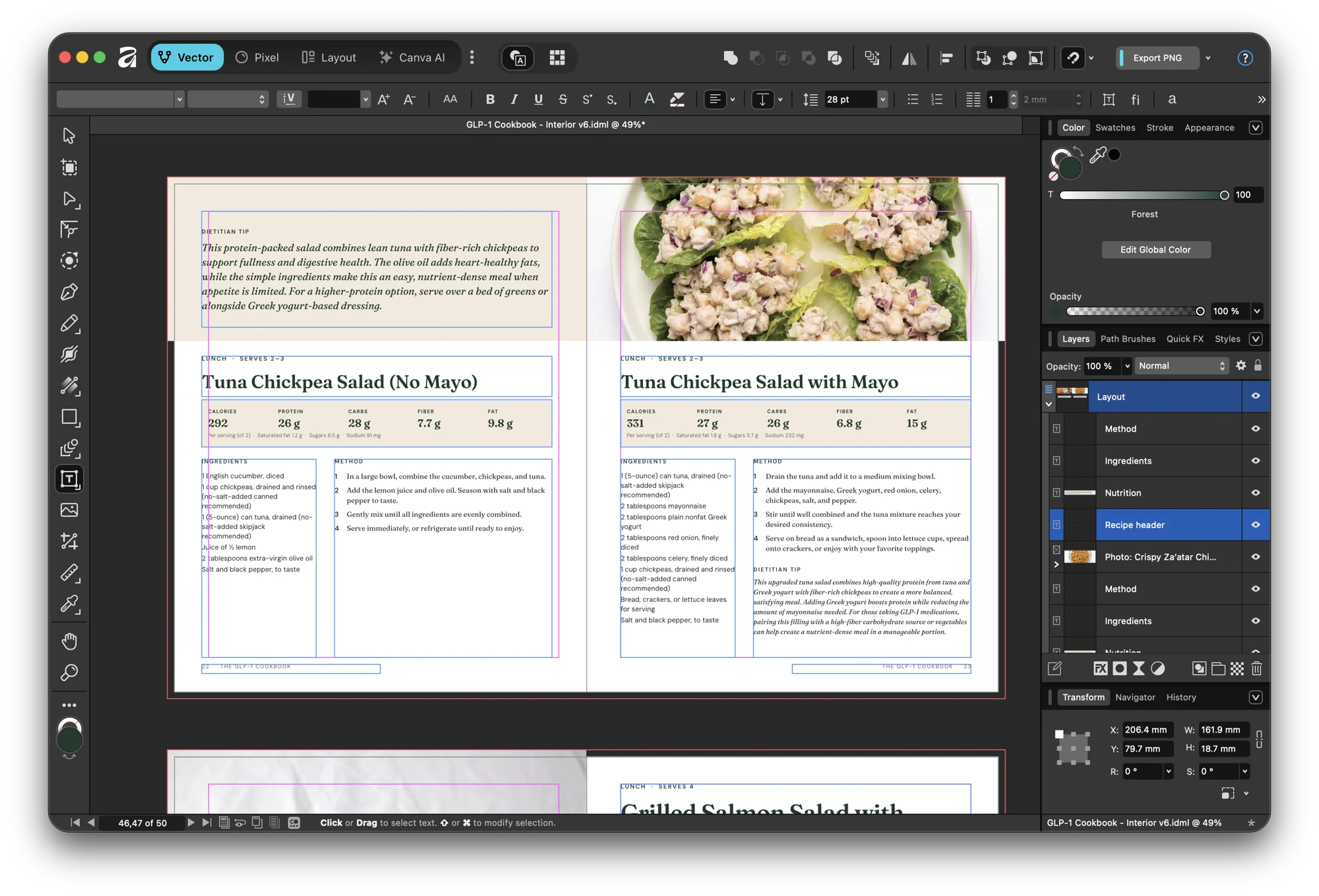
That's build v6 open in Affinity. Nobody placed anything on that spread by hand. The text frames, the nutrition strip and the photo all came from the script, and so did the layer names on the right (Recipe header, Nutrition, Ingredients, Method). Affinity just draws the file.
Higgsfield for the look, Affinity for the words
I designed the layouts and covers in Higgsfield first, as images. That was the fastest way to try a few directions and see a whole spread before committing to anything.
But I never let it render text. Generated type always comes out a little wrong, and you can't fix a typo in a PNG. So the images came out clean, and every word on the page (titles, byline, back cover blurb) is live text set in Affinity, where we can still change it.
Higgsfield also fixed the photos. A lot of the recipe photos weren't sharp enough for print, so we upscaled 15 of them to 4K. Each one got a side-by-side check against the original before it went in, because upscalers like to invent detail.
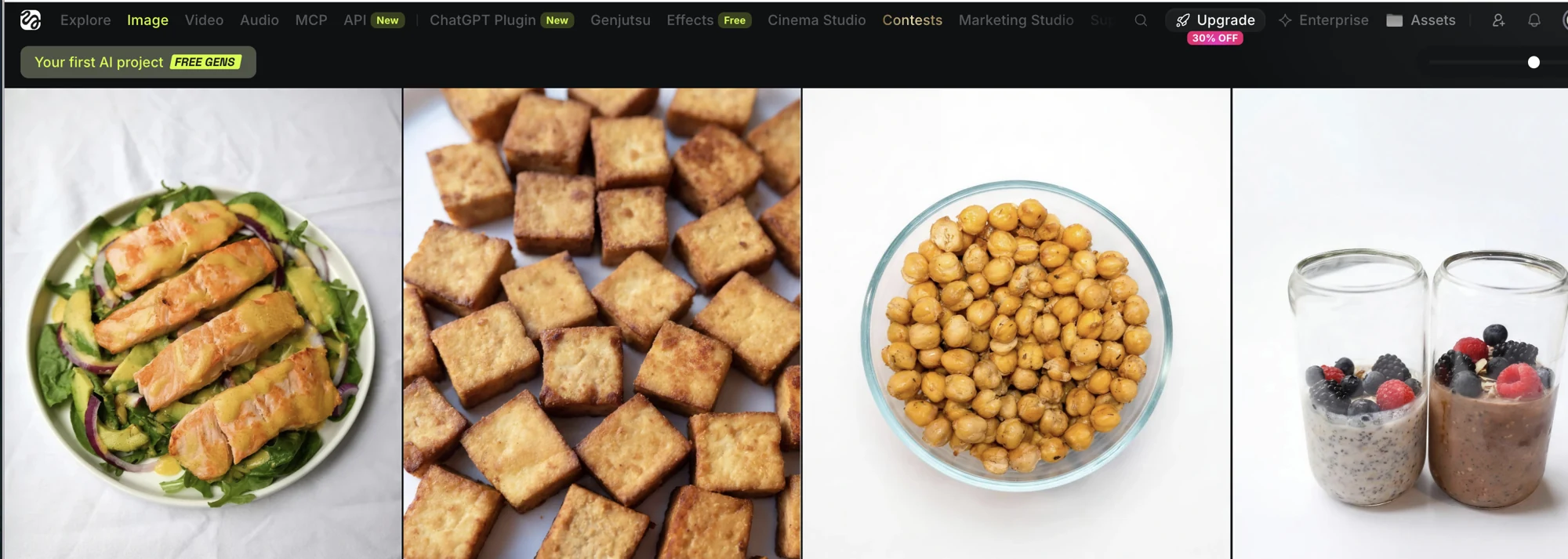
A few of the upscaled photos in the Higgsfield library. Once one passed the check, it replaced the original file under the same name, and the next build picked it up.
Computer use only does the last step
Claude drives Affinity through computer use in the desktop app, and only for the steps with no other way in: open the new build, export a review PDF, save the file. It then reads the PDF as contact sheets to look for layout problems.
Even that small job had traps. The macOS save dialog can't be clicked by computer use at all, so saving meant finding a keyboard route through it. Typing with nothing selected fires Affinity's tool shortcuts. That's the reason to keep the GUI part tiny. It's the least reliable piece of the whole setup.
I wrote about the same idea when I pointed an agent at my logged-in Chrome. If an app has no API, touch as little of its UI as you can, and do everything else somewhere you can test.
My friend never opens a file. They answer questions on a checklist page, Claude applies the answers to the scripts, and the book rebuilds.